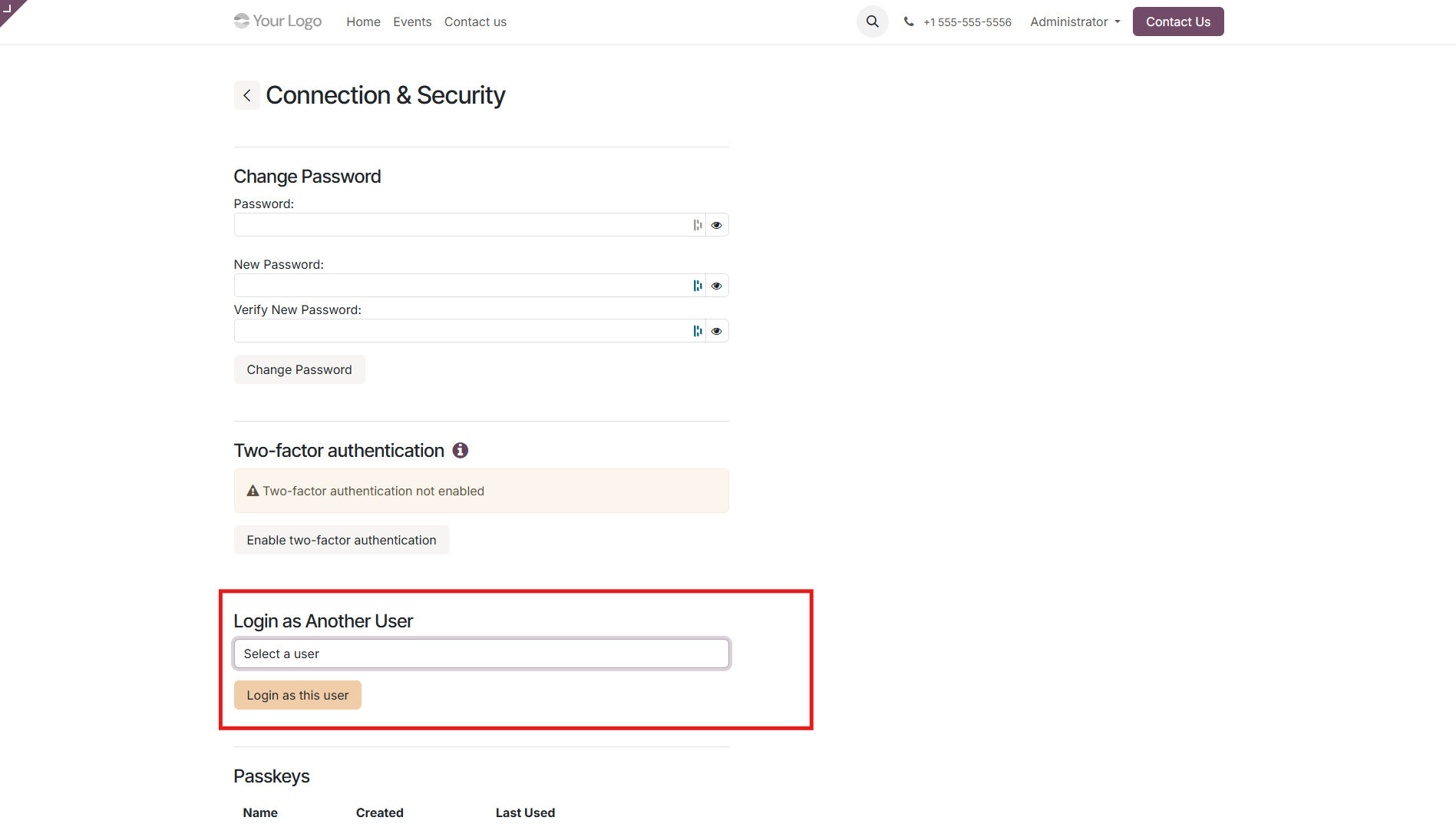
Instruction
How assigning someone the “Login as Another User” permission works?
The administrator selects which user should be granted the “Login as Another User” permission. Once enabled, that person can switch to the account of any user.
How to grant the ability to log in as “Login as Another User”
Step 1. Enable developer mode in the settings.
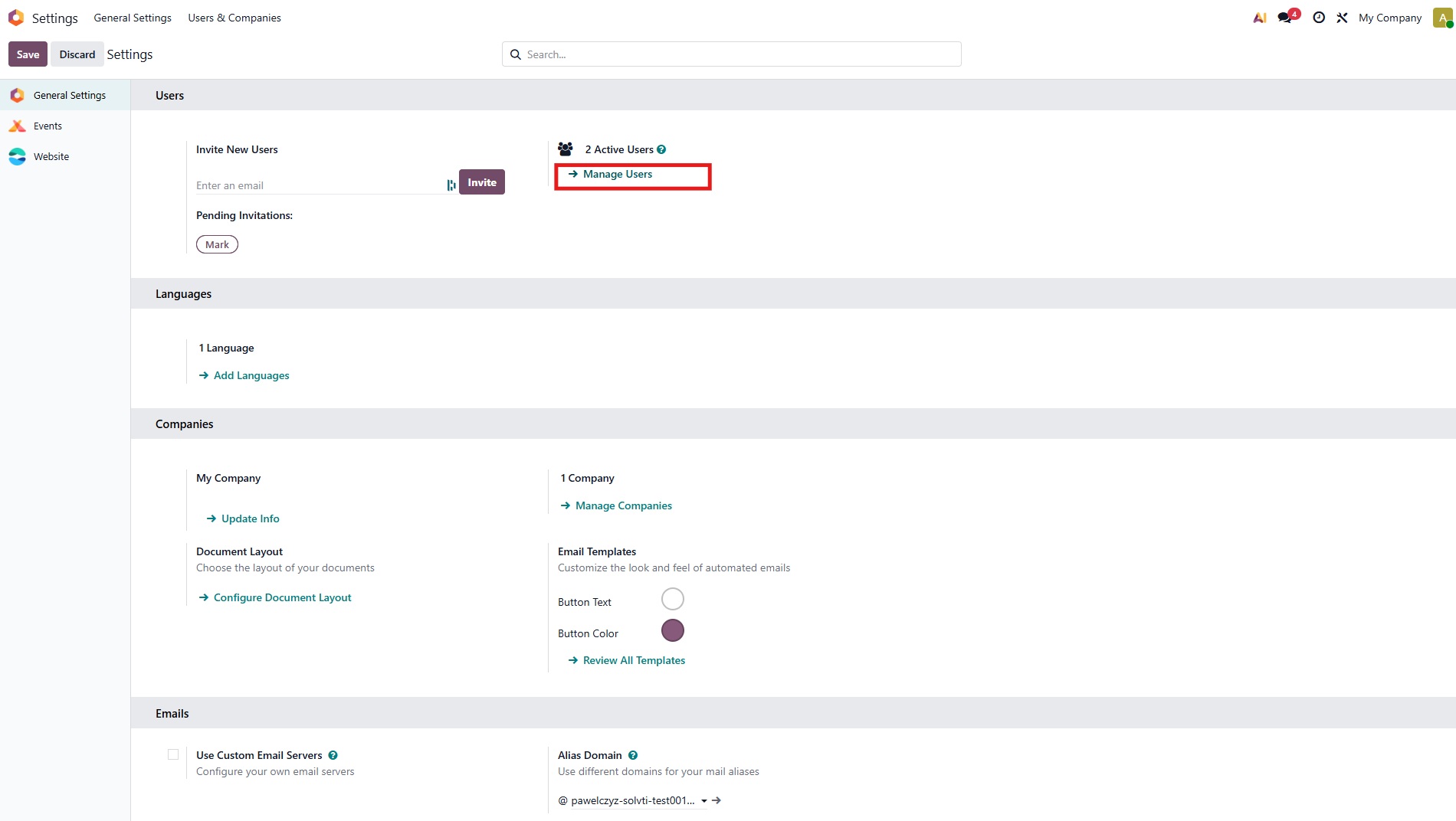
Step 2. Go to Settings and click Manage Users.
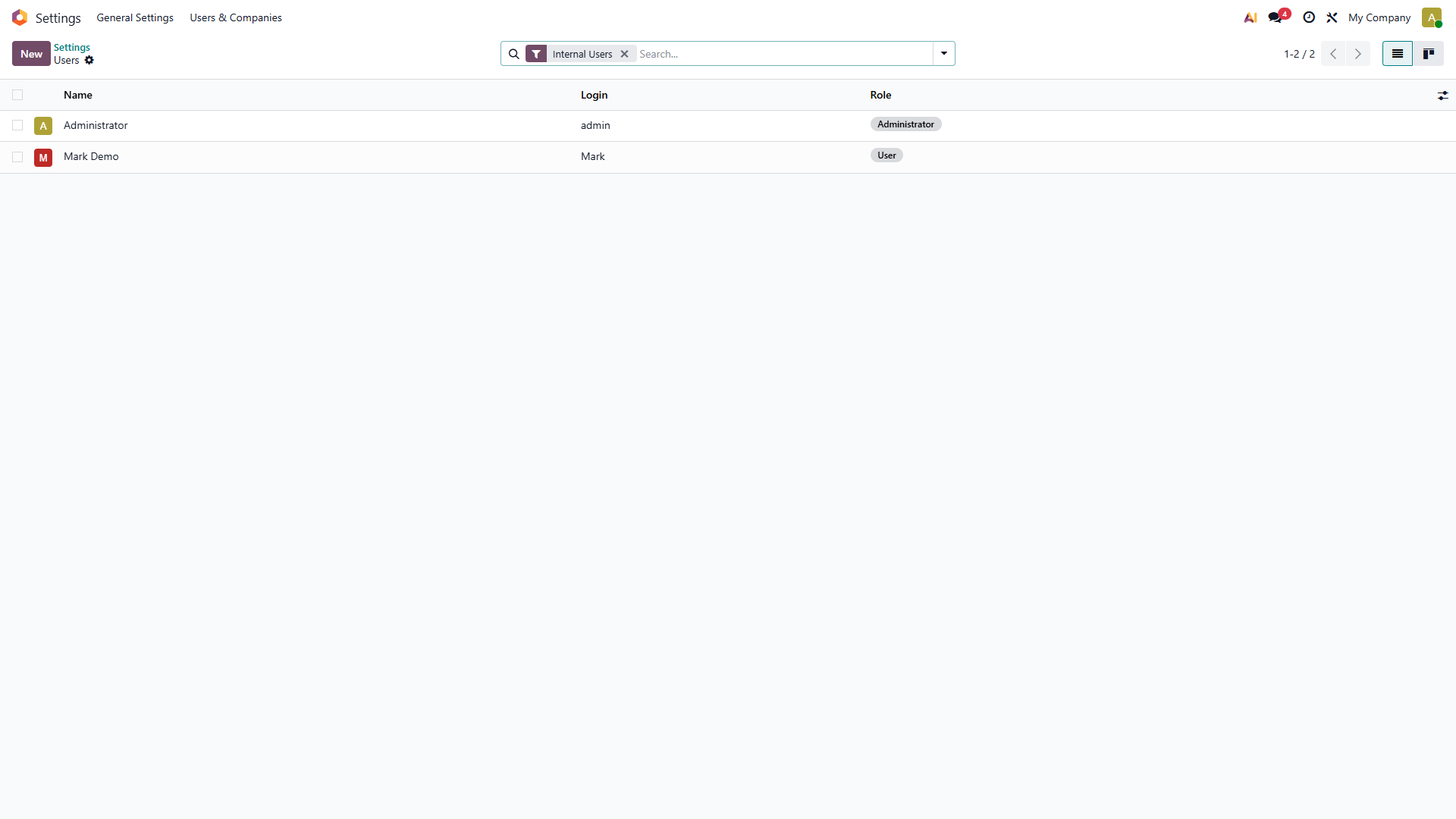
Step 3. Select the user you want to grant permission to log in as other users.
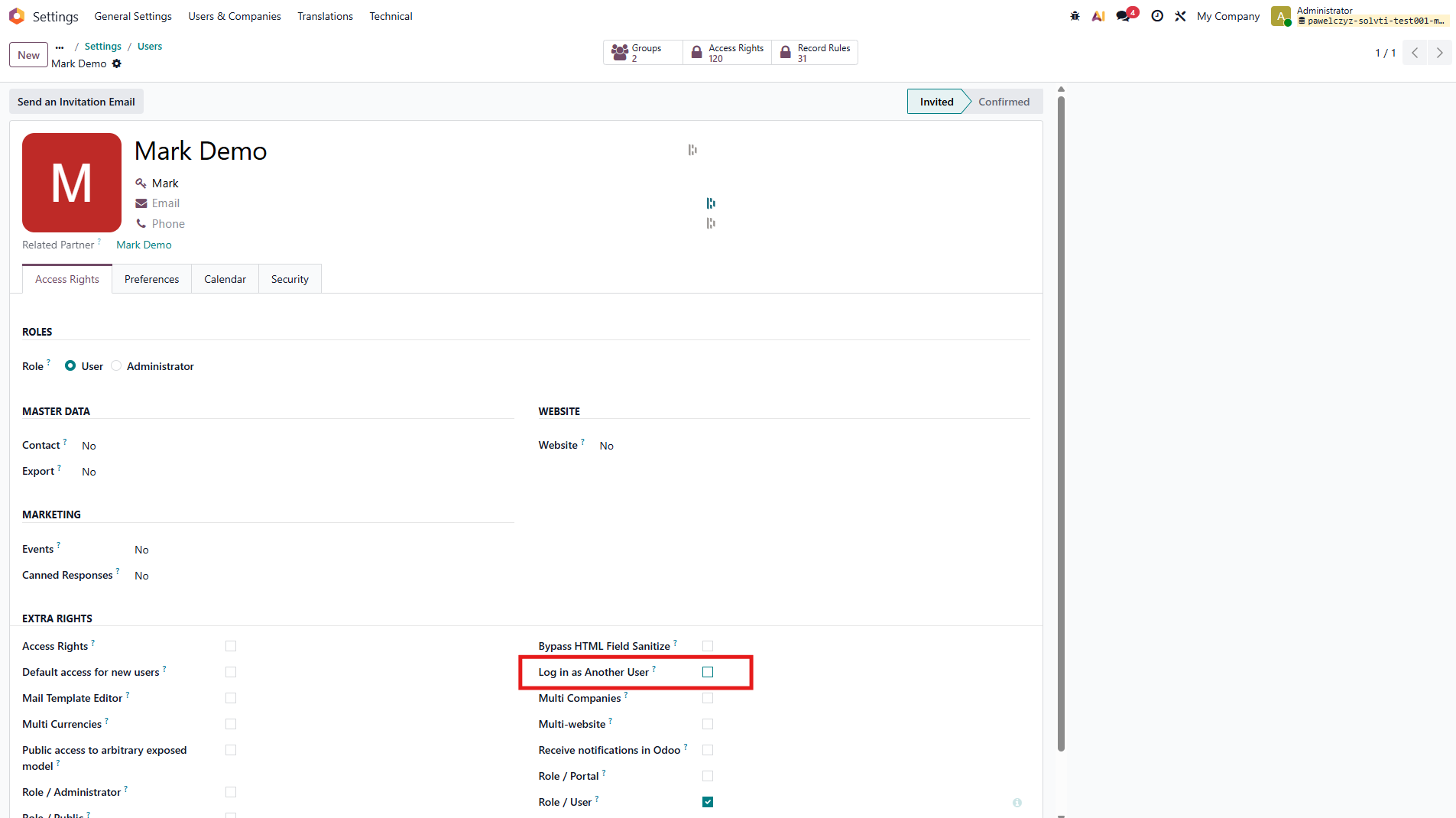
Step 4. Check the “Log in as Another User” checkbox.
How to log in as another user as an Administrator?
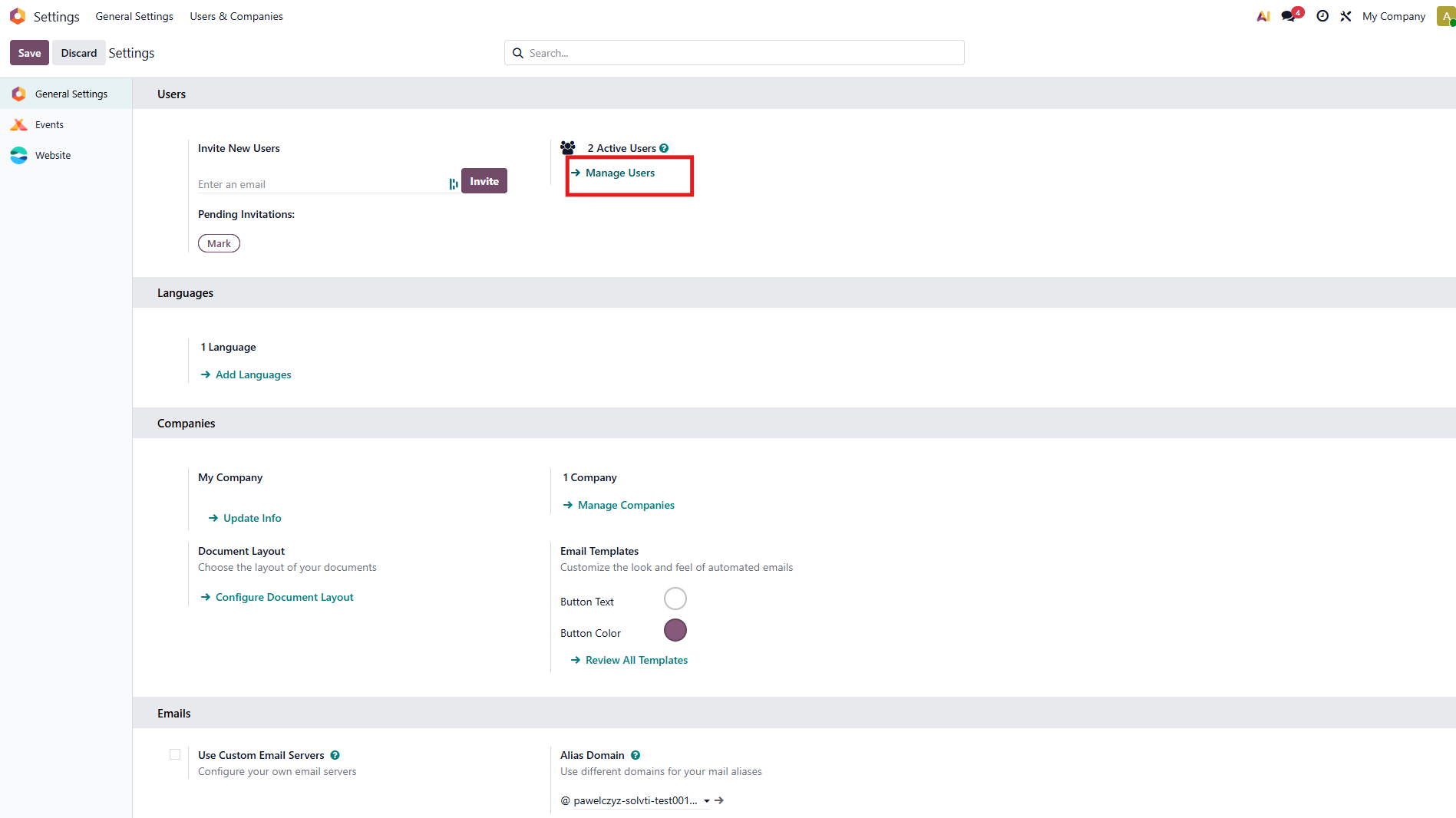
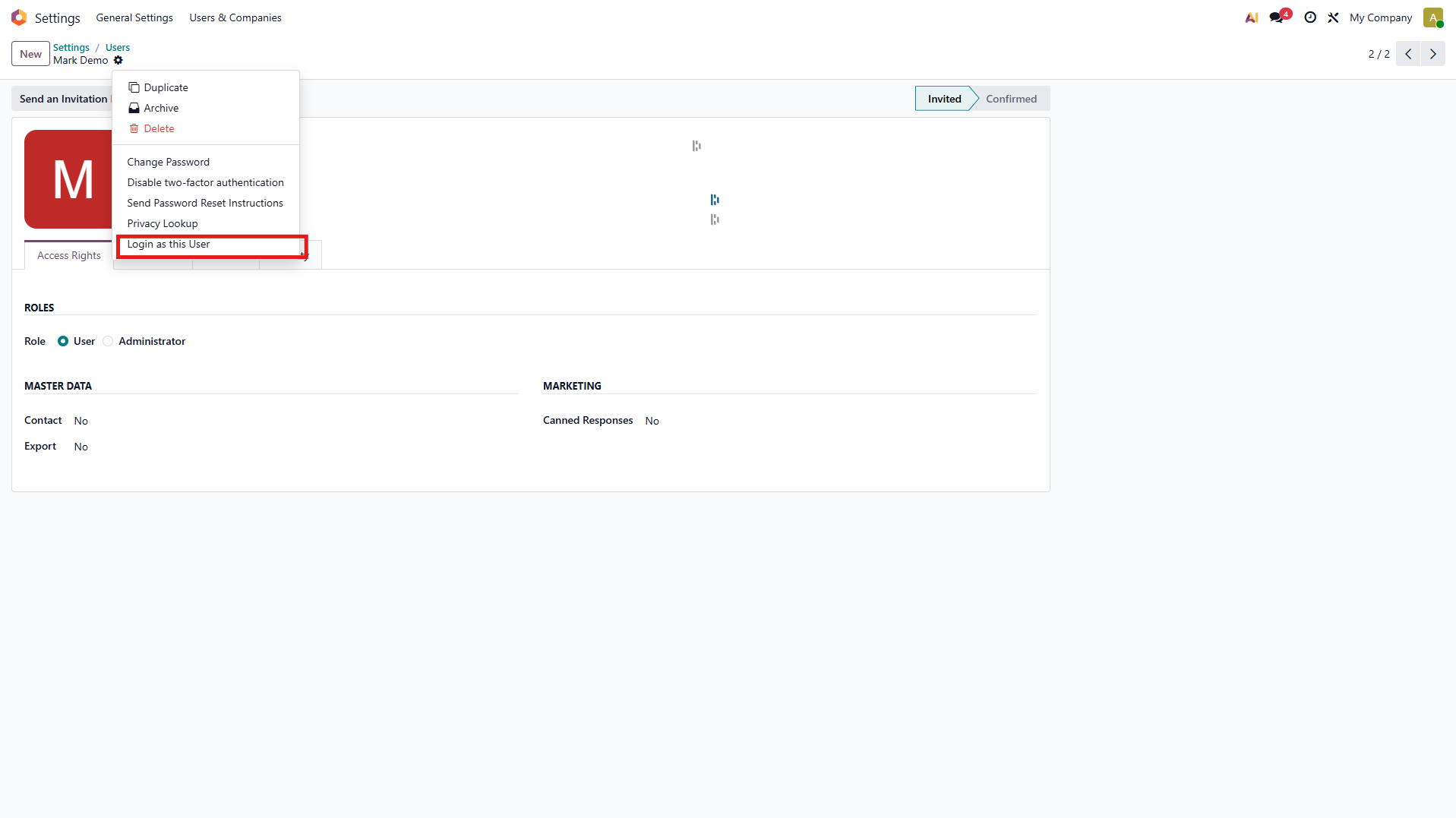
How to log in as another user without being an Administrator?
In the URL, remove the “odoo” part at the end and replace it with /my.
Example:mycompany.odoo.com/my
Step 1. Click “Connection & Security”.
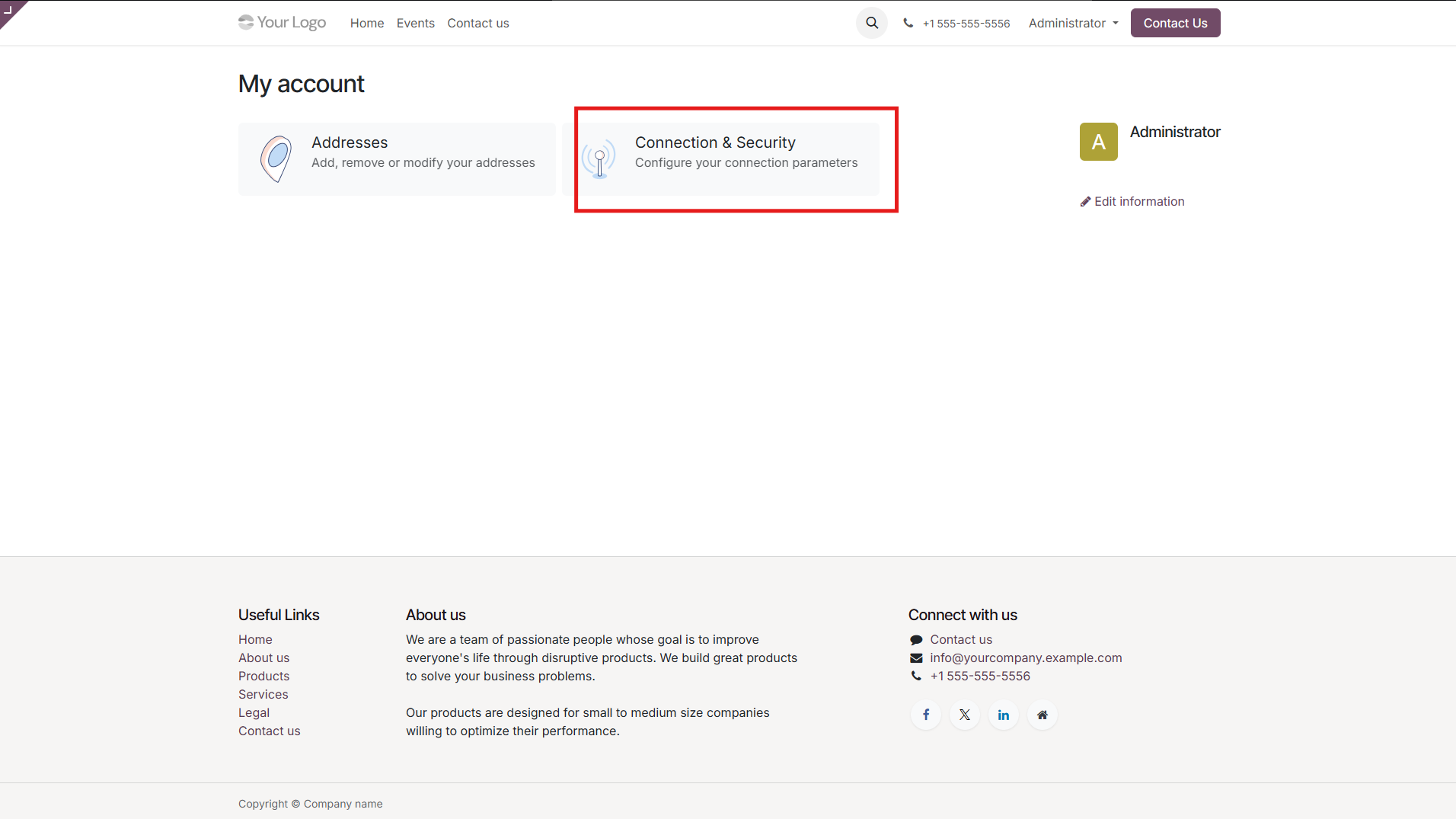
Step 2. Select the user you want to log in as.