
The Odoo IoT Box is a small device that connects your equipment (such as scales, label printers, cameras, calipers) to your Odoo database.
The Odoo IoT Box is designed to serve as the main connection hub for your hardware.
The device runs on the popular Raspberry Pi 4 Model B platform. It works by sending data from devices straight to Odoo - you just need to connect them to the IoT Box. You can forget about manual data entry and searching for drivers.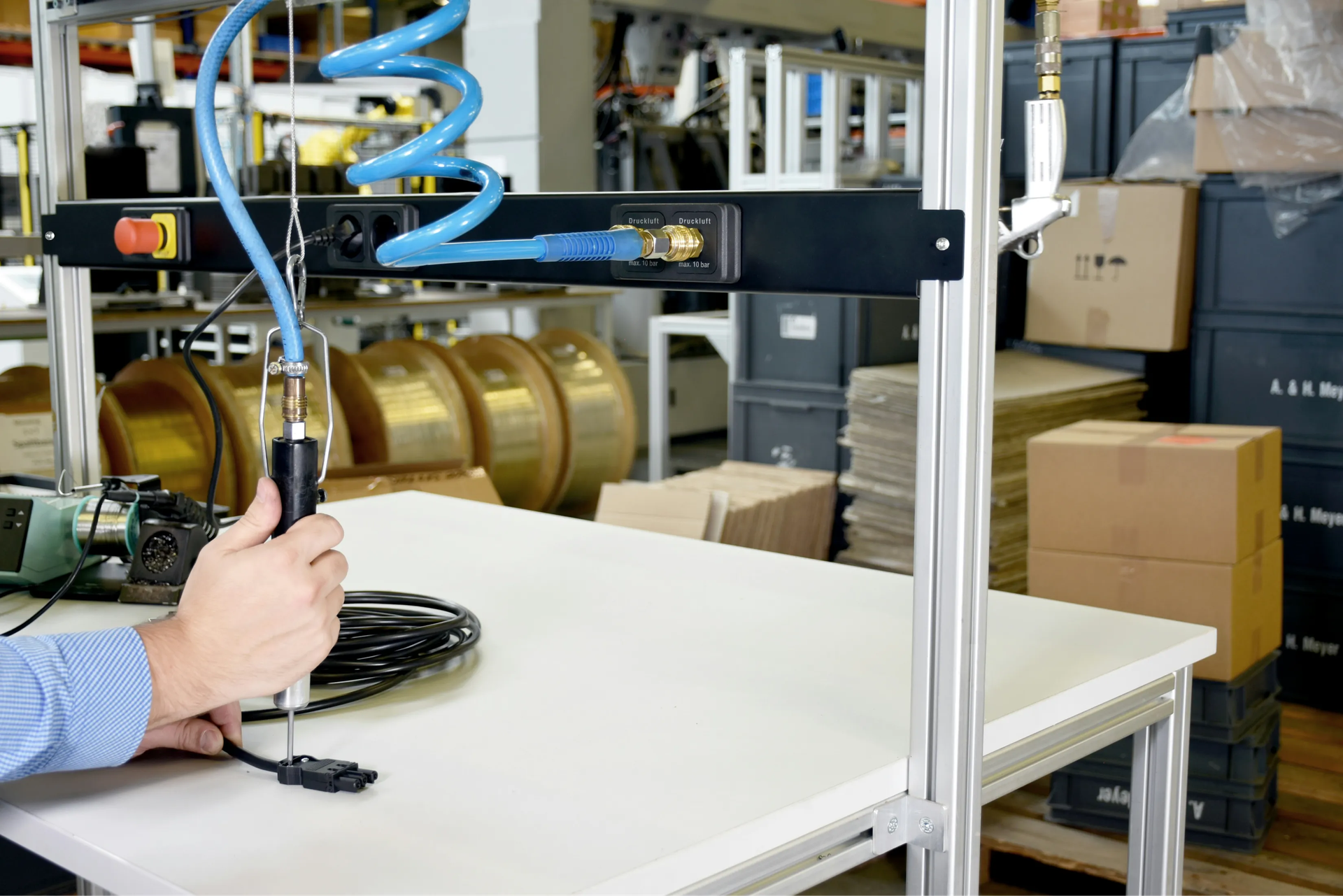
How Does the Odoo IoT Box Work in Practice?
For example:
- During quality control, measurements from a tool go directly to the production order - no manual entry needed.
- At the point of sale, the receipt printer prints the bill the moment a transaction is confirmed, and the scale sends the result straight to the order.
- In the warehouse, you can automatically print labels or take photos of goods with a camera connected to the box.
This way, processes that normally required manual operation run automatically.
How Does IoT Box Connection Work?
The IoT Box connects to your Odoo database via Ethernet or Wi-Fi. The key requirement is that all elements (the box, the computer with Odoo, and any network devices) must be on the same network.
This connection is solely for communication between the IoT Box and Odoo. This way, the system sees all devices connected to the box.
The devices themselves (such as printers, cameras, scales, calipers, or scanners) can be connected in several ways:
- Most commonly via USB, as it's the fastest and most reliable solution.
- Via Ethernet, if the device has a network port (e.g., IP camera, label printer).
- Via Bluetooth, for compatible measuring tools or simple wireless devices.
- Less commonly via Wi-Fi, when the equipment can connect to the network where the IoT Box operates.
In practice, it works like this: devices communicate with the IoT Box via USB, Ethernet, or Bluetooth, and the box itself passes the data on to Odoo via Wi-Fi or network cable.
Then all information goes directly to the appropriate places in the Odoo system.
What Inputs Does Odoo IoT Box Have
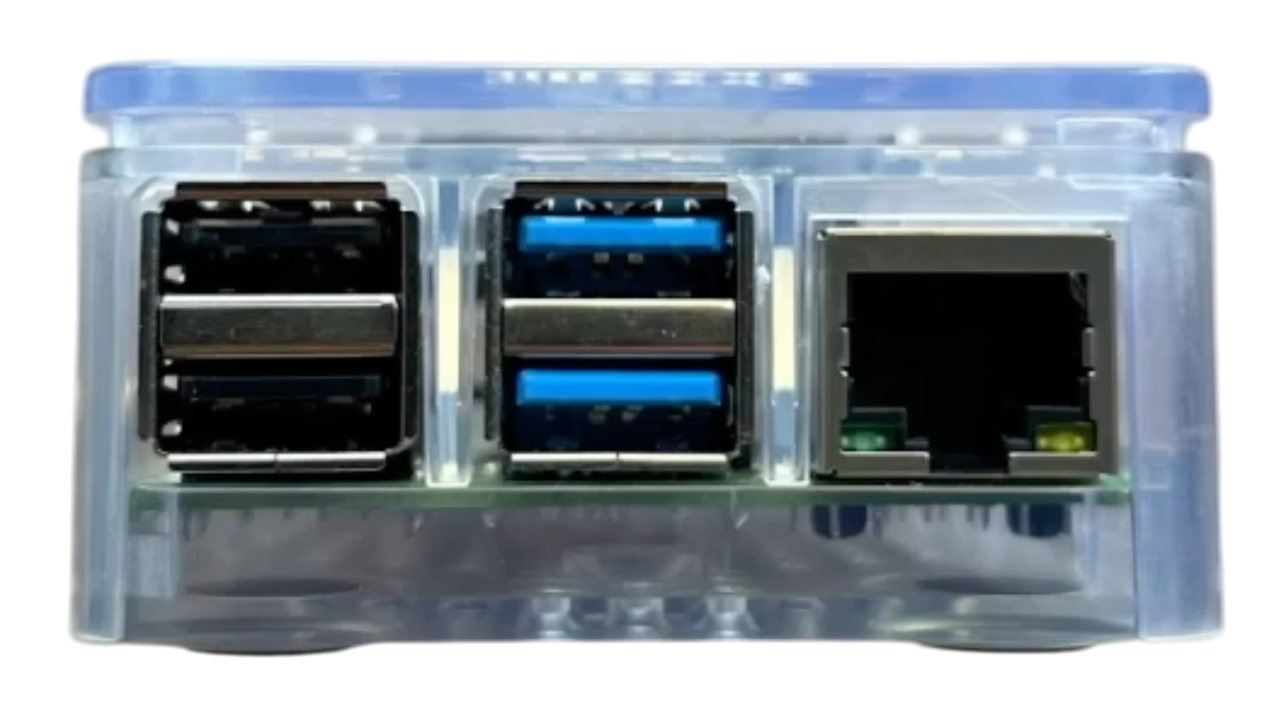
- 4 × USB ports (2x USB 3.0, 2x USB 2.0)
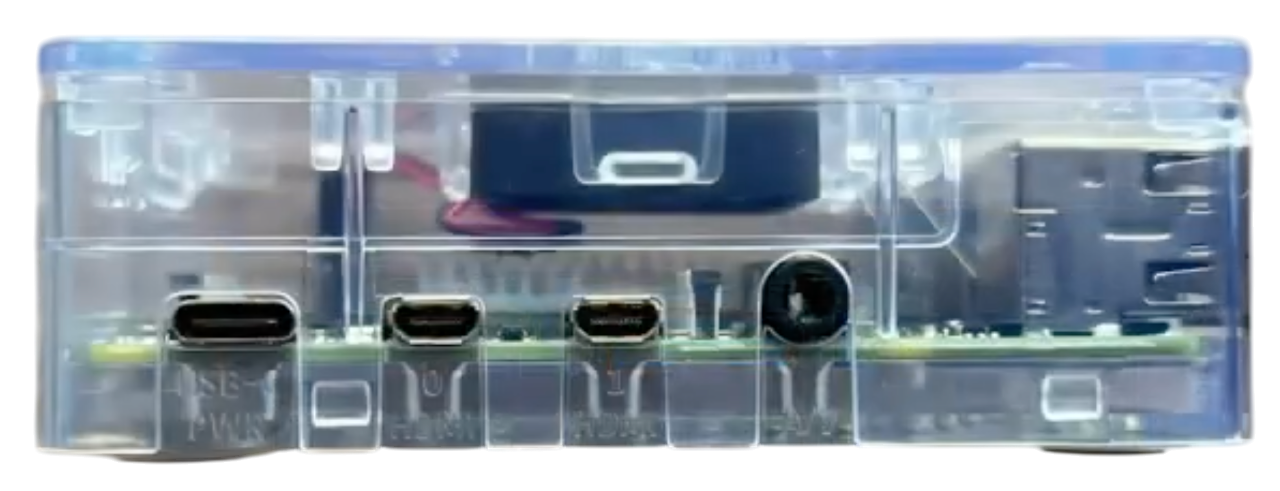
- 2 × micro HDMI ports
- 1 × Ethernet port (RJ-45)
- 1 × Wi-Fi module (built-in)
- 1 × Bluetooth module (built-in)
- 1 × GPIO header (40-pin)
- 1 × USB-C power input
How to Configure the Odoo IoT Box?
Here's a step-by-step guide on how to configure our Odoo IoT Box:
- Enable the Internet of Things (IoT) app in your Odoo instance.
- Open the IoT Box module and click "Connect," then copy the server token.
- Connect the IoT Box to the network - via Ethernet or Wi-Fi.
- After a moment, a Wi-Fi network will appear with a name like IoTBox-XXXXXXXXXXXX - connect to it to get the device's IP address.
- Enter the IP address in your browser (e.g., Chrome), name your box, and paste the token from Odoo.
- Click "Next" to pair the box with your Odoo database.
- Done - Your Solvti IoT Box will appear in the IoT module and will transmit data from connected devices (printers, scales, cameras, measuring tools) directly to Odoo.
If anything is unclear, we encourage you to contact us directly - we'll be happy to help!

Frequently Asked Questions
What Are Common Startup Errors?
Different networks/VLANs for IoT, devices, and Odoo (they must be on the same one), lack of IoT subscription, or connecting devices with "finicky" drivers via USB 3.0 (it's worth trying the USB 2.0 port in such cases).
Can I Use My Own Raspberry Pi?
Technically yes, but you still need an IoT subscription and the Odoo IoT image for the SD card.
Will Virtual IoT on Windows Replace the Physical Box?
For POS/printers - often yes. For MRP devices (e.g., cameras, measuring tools) - not always.
Automate Your Business Processes Today!
Do you think the Odoo IoT Box is something that will streamline your company's processes?